Introduction: Why Build a Drumming App?
Before we dive into the technical details, let me explain what this app actually does. Rudiments are the fundamental building blocks of drumming think of them as the "scales" or "chord progressions" of percussion. The Percussive Arts Society (PAS) has standardized 40 essential rudiments that every serious drummer should master, ranging from simple alternating strokes to complex patterns involving grace notes, drags, and flams.
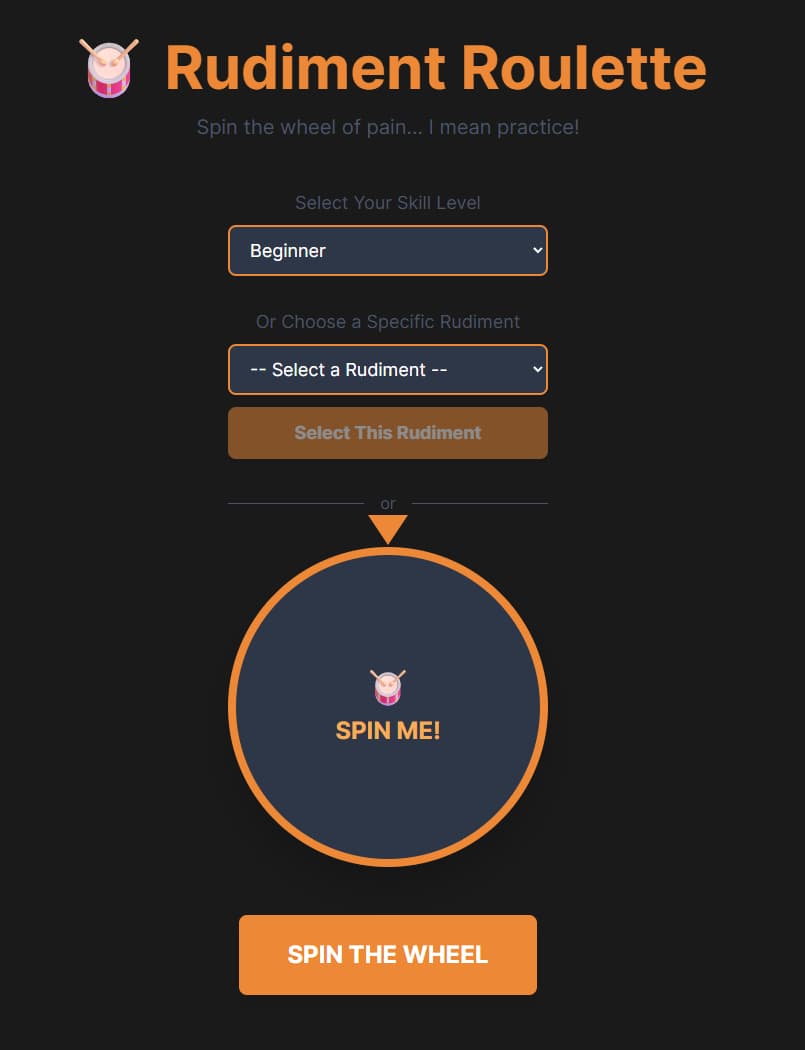
Practicing these rudiments can be tedious, which is where Rudiment Roulette comes in. But honestly? I built this as a fun side project to learn Vue 3. As a developer who also plays drums, I wanted to explore Vue's Composition API, TypeScript, and modern web audio capabilities while solving a real problem I faced in my own practice sessions.
What started as "let me figure out Vue reactivity" turned into a deep dive into precision audio scheduling, pitch shifting algorithms, and the surprisingly complex world of grace note timing. This blog post will walk through the technical decisions I made, the challenges I encountered, and where the project is headed next.
The Tech Stack: Why These Choices?
Backend: .NET 10 + ASP.NET Core Minimal APIs
Why .NET 10?
The main reason is its what I use day to day for API work but also...
Minimal APIs which are perfect for this simple use case we only need two endpoints to serve rudiment data
Type safety Strong typing for the rudiment data model prevents runtime errors
Easy deployment Can be deployed anywhere, Azure, Docker, or in my case a linux VPS
The API is deliberately simple:
// GET /api/rudiments?difficulty=2
// GET /api/rudiments/random?difficulty=3
The entire backend is stateless—all 40 rudiments are stored in a static RudimentStore class, which means:
Zero database overhead
Instant cold starts
Easy to version control the data
Limited scalability (fine for this use case)
Frontend: Vue 3 + TypeScript + Tailwind CSS
Vue 3
This was the main learning goal. I specifically chose Vue 3 with the Composition API and <script setup> syntax because:
• The Composition API is more flexible than Options API for complex logic
• Vue 3 was built with TypeScript in mind
• I could extract the audio logic into useDrumAudio.ts for reusability
• Vue's reactivity system is perfect for synchronizing audio playback with UI updates
TypeScript
Initially I was going to use plain JavaScript, but after dealing with the Web Audio API's complex types, I was grateful for:
• Autocomplete for AudioContext methods
• Type safety for the rudiment data model
• Compile-time error catching
• Better refactoring support
Tailwind CSS
• Rapid prototyping, I could iterate on designs without switching files
• Custom drum theme, Extended Tailwind with drum-orange, drum-dark, etc.
• No naming conflicts, No worrying about BEM or CSS modules
• Easy responsive design, Built-in responsive utilities
The Audio Challenge: Why Web Audio API is Hard
The Problem: JavaScript Timers Are Unreliable
My first implementation used setInterval to schedule drum hits:
// This drifts over time
setInterval(() => {
  playDrumHit(stroke.hand);
}, beatDuration * 1000);
This doesn't work because:
1. JavaScript timers have ~4ms minimum precision
2. Browser throttling delays timers in background tabs
3. Garbage collection pauses cause timing drift
4. After 30 seconds at 180 BPM, you're noticeably off-tempo
The Solution: Web Audio API Scheduling
The Web Audio API has a high-precision internal clock (audioContext.currentTime) measured in seconds with microsecond accuracy. This allows you to schedule audio events in advance using the audio context's clock, not JavaScript timers.
Here's how useDrumAudio.ts works:
// Schedule audio events ahead of time
const scheduleNote = (stroke: Stroke, time: number) => {
  if (!audioContext.value || !snareBuffer.value) return;

  const source = audioContext.value.createBufferSource();
  source.buffer = snareBuffer.value;

  // Pitch shift: R hand = higher pitch, L hand = lower pitch
  source.playbackRate.value = stroke.hand === 'R' ? 1.2 : 0.9;

  // Grace notes are quieter
  const gainNode = audioContext.value.createGain();
  gainNode.gain.value = stroke.isGrace ? 0.4 : 1.0;

  source.connect(gainNode).connect(audioContext.value.destination);
  source.start(time); // Schedule precisely when to play
};
The scheduling loop
Every 25ms, check if we need to schedule more notes
If audioContext.currentTime is within 100ms of the next note, schedule it
This creates a buffer of scheduled audio events
Even if JavaScript pauses, the audio plays perfectly
const scheduleAheadTime = 0.1; // Schedule 100ms ahead
const lookahead = 25; // Check every 25ms

schedulerInterval = setInterval(() => {
  while (nextNoteTime < audioContext.value!.currentTime + scheduleAheadTime) {
    scheduleNote(pattern[currentStrokeIndex], nextNoteTime);
    nextNoteTime += beatDuration * pattern[currentStrokeIndex].duration;
    currentStrokeIndex = (currentStrokeIndex + 1) % pattern.length;
  }
}, lookahead);
The Architecture: Clean Separation of Concerns
Backend Structure
RudimentRoulette.Web/
├── Models/
│   ├── Rudiment.cs           # Data model
│   └── DifficultyLevel.cs    # Enum (1-3)
├── Data/
│   └── RudimentStore.cs      # Static rudiment definitions
├── Controllers/
│   └── RudimentsController.cs # API endpoints
└── Program.cs                 # Configuration + CORS
Key design decision: Immutable rudiment data. Once the app starts, the rudiments never change. This allows aggressive caching and predictable behavior.
Frontend Structure
RudimentRoulette.Client/
├── src/
│   ├── components/
│   │   ├── Wheel.vue         # Main UI component (500+ lines)
│   │   └── Wheel.css         # Component-specific styles
│   ├── composables/
│   │   └── useDrumAudio.ts   # Reusable audio logic
│   ├── services/
│   │   └── api.ts            # API client (axios)
│   └── assets/
│       └── main.css          # Tailwind + theme
└── public/
    └── snare.mp3             # TR-808 sample
The composable pattern: useDrumAudio.ts exposes a clean interface:
export function useDrumAudio() {
  return {
    isPlaying,                    // Reactive state
    currentHighlightIndex,        // Which stroke is playing
    initAudio,                    // Load audio sample
    playPattern,                  // Start playback
    pause,                        // Pause playback
    resume,                       // Resume playback
    stop,                         // Stop playback
    updateBPM                     // Change tempo mid-drill
  };
}
This separation means:
Testable - Audio logic can be tested independently
Reusable - Could use this composable in other components
Maintainable - Changes to audio don't affect the UI
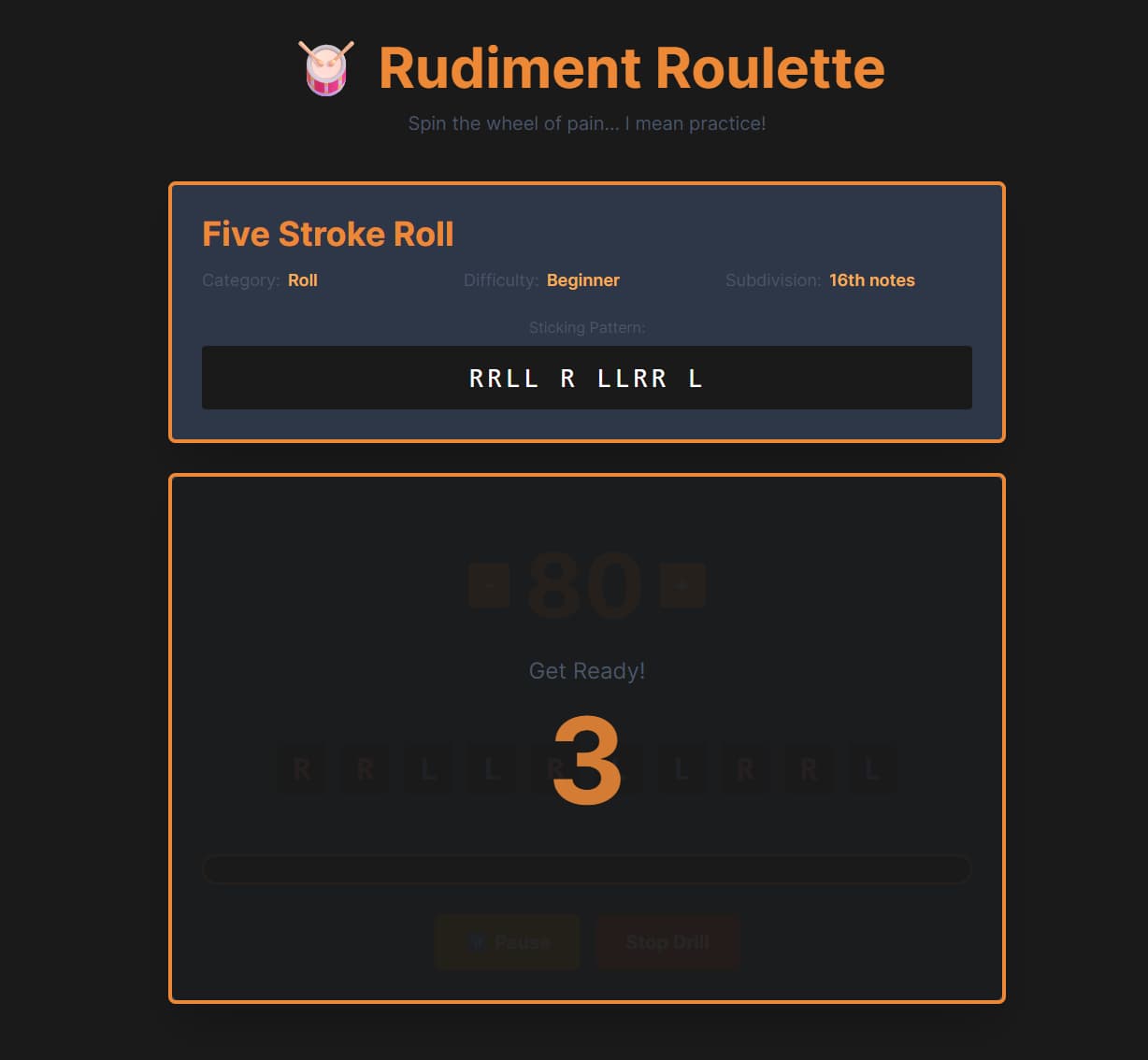
Key Features Explained
Pitch-Shifted Audio for Left/Right Hands
Without audio cues, it's hard to tell if you're playing the correct sticking pattern. Solution: pitch shift the snare drum sample.
source.playbackRate.value = stroke.hand === 'R' ? 1.2 : 0.9;Right hand: 20% faster playback = higher pitch
Left hand: 10% slower playback = lower pitch
This creates an audible difference without being jarring. It sounds more natural than panning (left/right speakers) since drummers practice with headphones.
Grace Note Support
Flams, drags, and ruffs have grace notes—quick, quiet notes before the main stroke. These are tricky because:
They happen ~30-50ms before the beat
They're quieter (40% volume)
They need special visual treatment
Current implementation:
interface Stroke {
  hand: 'R' | 'L';
  isGrace: boolean;
  duration: number; // Usually 1.0, but 0.1 for grace notes
}
This isn't quite right. Grace notes should happen slightly before their parent stroke, not in sequence. I'll cover this in "Next Steps."
Real-Time UI Synchronization
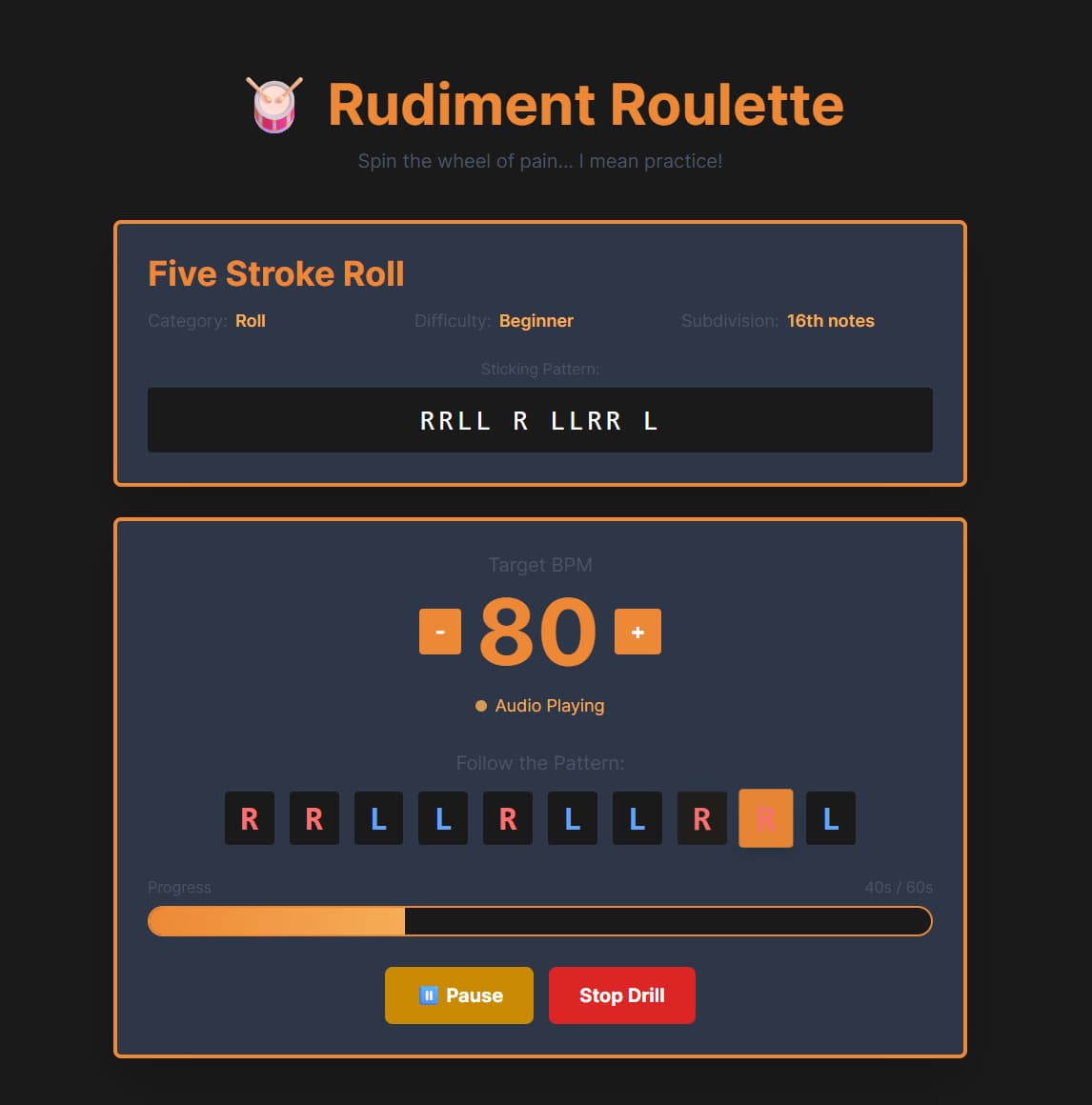
Every 25ms, we update currentHighlightIndex to highlight the currently playing stroke:
<div
  v-for="(letter, index) in stickingArray"
  :key="index"
  class="sticking-letter"
  :class="{ 'active': index === currentHighlightIndex }"
>
  {{ letter }}
</div>
This creates the "karaoke effect" where each stroke lights up as it plays. The trick: we update the highlight slightly ahead of the audio to account for visual processing delay.
Metronome Count-In
Before starting a drill, you get a 4-beat count-in so you can prepare
// Play metronome clicks for 4 beats
for (let i = 0; i < 4; i++) {
  playMetronomeClick(countInStart + (i * beatDuration));
}
The count-in uses a higher-pitched "click" sound (generated by a short sine wave) to differentiate it from the drum hits.
Next Steps
Adding Sheet Music Images
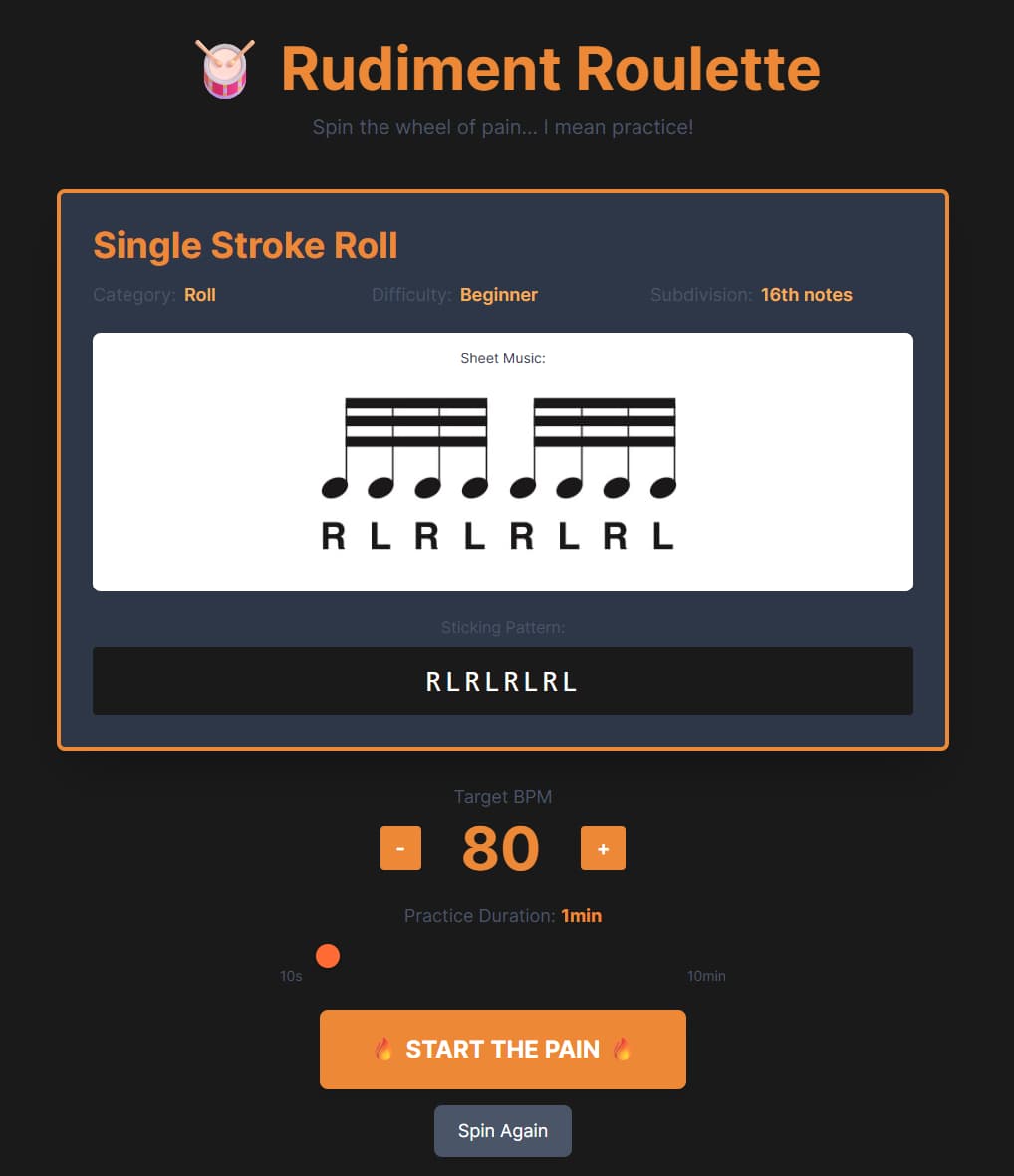
Current state: The infrastructure is ready. Each Rudiment has a SheetMusicUrl property, but only one rudiment has an actual image
Create 40 sheet music images (PNG format, ideally 800x200px)
Save them in RudimentRoulette.Client/public/images/rudiments/
Update each rudiment in RudimentStore.cs with the correct path
Add error handling in the UI for missing images
Fixing Grace Note Timing (Flams, Drags, Ruffs)
Current problem: Grace notes are treated as sequential strokes with shorter duration. This is wrong.
When played at 120 BPM, Grace note plays at time t, main stroke plays at time t + 0.1 × beatDuration. This sounds like two separate notes instead of a flam
What should happen is a flam is a grace note played 30-50ms before the main stroke, creating a "thickened" attack. Both notes should be almost simultaneous.
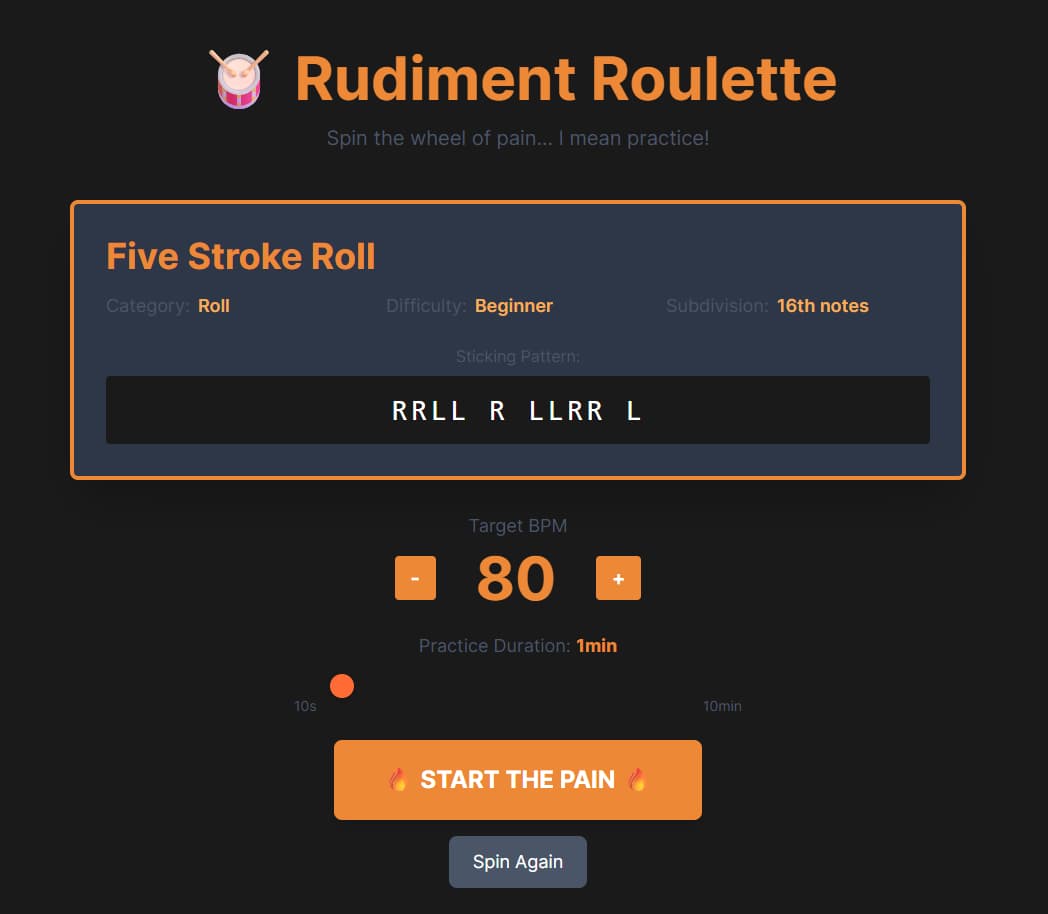
Handling Gaps in the Sticking Pattern
Some rudiments have visual gaps for readability, but they're treated as beats. I need to investigate a way to store this differently.
Lessons Learned
Web Audio API is Powerful but Quirky. The Web Audio API can do amazing things, but
Documentation is sparse for advanced scheduling
Browser differences exist (Safari vs. Chrome)
Debugging timing issues requires patience (Chrome DevTools Audio tab helps)
Takeaway: If you're building audio apps, invest time in understanding the currentTime clock and scheduling patterns.
TypeScript Catches Real Bugs
Multiple times, TypeScript saved me from runtime errors:
Incorrect AudioContext method calls
Mismatched API response types
Invalid enum values
Conclusion
Building Rudiment Roulette taught me:
Vue 3's Composition API and reactivity system
Web Audio API scheduling patterns
TypeScript best practices
Tailwind CSS custom themes
.NET 10 minimal APIs
Was it worth it? Absolutely. I now understand Vue well enough to use it professionally, and I have a genuinely useful practice tool for my drumming.
Resources
Repo: github.com/shgreig-mtm/Rudiment-Roulette
PAS Rudiments: pas.org/resources/rudiments
Web Audio API Guide: developer.mozilla.org/en-US/docs/Web/API/Web_Audio_API
Vue 3 Docs: vuejs.org
Chris Wilson's Scheduling Guide: A Tale of Two Clocks